qixinwei-pcba


Siemens BOP-2 Operator Panel 6SL3255-0AA00-4CA1 Basic Operator Panel for G120/G120C/G120X 2‑Line LCD Display
6SL3255-0AA00-4CA1 Product Overview
The Siemens SINAMICS BOP-2 (Basic Operator Panel 2) is a digital human‑machine interface accessory designed for SINAMICS series drives (e.g., G120, G120C, G120X, G120P, G110M, etc.), 6SL3255-0AA00-4CA1. As the operation terminal for drive commissioning and daily maintenance, it features a 2‑line monochrome LCD display and intuitive menu‑guided navigation keys. It fully replaces drive units lacking a display or the IOP panel used solely for parameter copying. The BOP‑2 supports parameter setup and modification, batch commissioning of multiple drives, real‑time operation monitoring, fault diagnosis and alarm handling, manual/automatic mode switching, and local manual operation.
6SL3255-0AA00-4CA1 Core Features
2‑Line LCD Display & Menu Navigation:Equipped with a 2‑line monochrome LCD display and menu‑guided navigation keys, it can simultaneously display parameter numbers, parameter values, and parameter filtering results. Even without a printed parameter list, basic commissioning of standard drives can be easily performed.
Batch Commissioning & Parameter Copying:Supports batch commissioning of drives of the same type. A parameter list can be copied from one drive into the BOP‑2 and then quickly loaded onto other drives of the same type as needed, dramatically improving commissioning efficiency for factories or complete equipment.
Manual/Automatic Mode Switching & Local Manual Operation:Features a dedicated key for switching between manual and automatic modes. In manual mode, the BOP‑2‘s navigation keys can directly control drive start/stop and speed. In automatic mode, the system accepts external terminal or fieldbus commands. This dedicated switchover key meets the demands of on‑site safety commissioning and local operation.
Real‑Time Monitoring & Fault Diagnosis/Alarm:The status screen can simultaneously display up to two process values numerically (e.g., current, speed, voltage, frequency) for real‑time monitoring. The intuitive menu provides access to the diagnostic menu, where a list of currently active faults/alarms can be viewed, along with a history list storing the last 64 fault events. A one‑key fault acknowledgement function is also supported.
IP55 Protection Rating & Versatile Mounting:Whether mounted directly on the drive or on the cabinet door using an optional door mounting kit, the BOP‑2 achieves an IP55 protection rating, effectively guarding against dust ingress and water jets.
Parameter Backup:Supports writing a parameter list from the drive memory to the BOP‑2 (TO BOP), or reading from the BOP‑2 back to the drive memory (FROM BOP).
Wide Temperature Operation & Comprehensive Certifications:Operating temperature range 0℃ ~ 50℃, storage/transport temperature -40℃ ~ 70℃, humidity 95% non‑condensing. Certified with CE, cULus, EAC, KCC, and RCM.
6SL3255-0AA00-4CA1 Applications
On‑site commissioning and parameterization for SINAMICS G120, G120C, G120X, G120P, etc..
Batch commissioning of production line equipment via parameter copy and download.
Routine operation monitoring and fault diagnosis to reduce unplanned downtime.
Integration into control cabinets for local operation with IP55 protection.
Local manual control and mode switching for safe commissioning and maintenance.
6SL3255-0AA00-4CA1 Key Advantages
The BOP‑2 combines simplicity of operation with professional diagnostic capabilities, making it an indispensable standard tool for SINAMICS drive users from commissioning through to maintenance and equipment management. The 2‑line LCD and menu‑guided navigation enable parameter modification, status monitoring, and fault diagnosis without the need for printed parameter lists. Batch commissioning via parameter copying greatly improves efficiency for identical drive units. The dedicated manual/automatic switchover key allows safe on‑site commissioning and local operation. When installed directly on the drive or through a door‑mounting kit, the BOP‑2 achieves IP55 protection. With its wide temperature range and comprehensive certifications, the BOP‑2 is a cost‑effective, field‑proven solution for nearly all SINAMICS applications.
Why Choose QIXINWEI
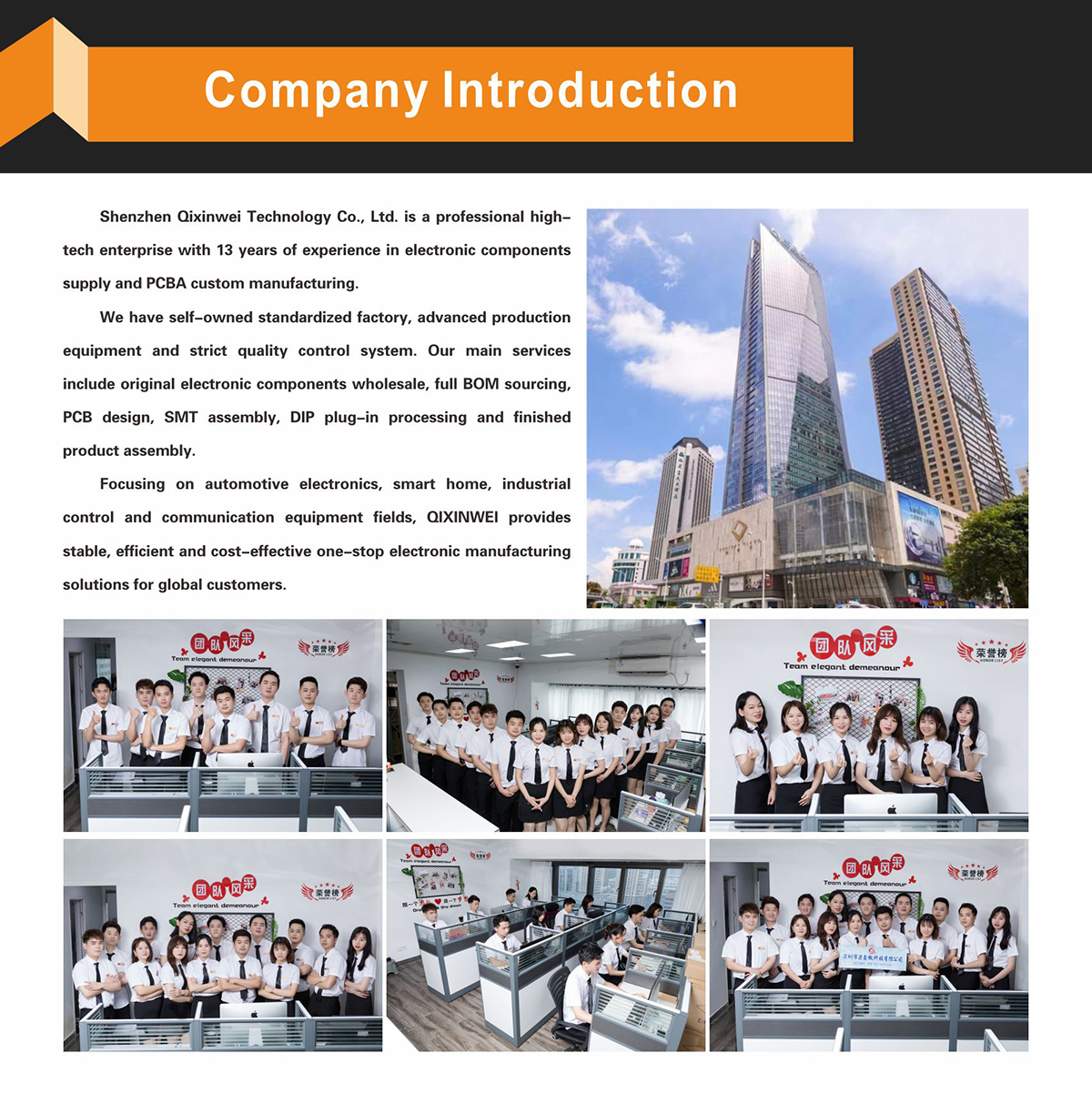
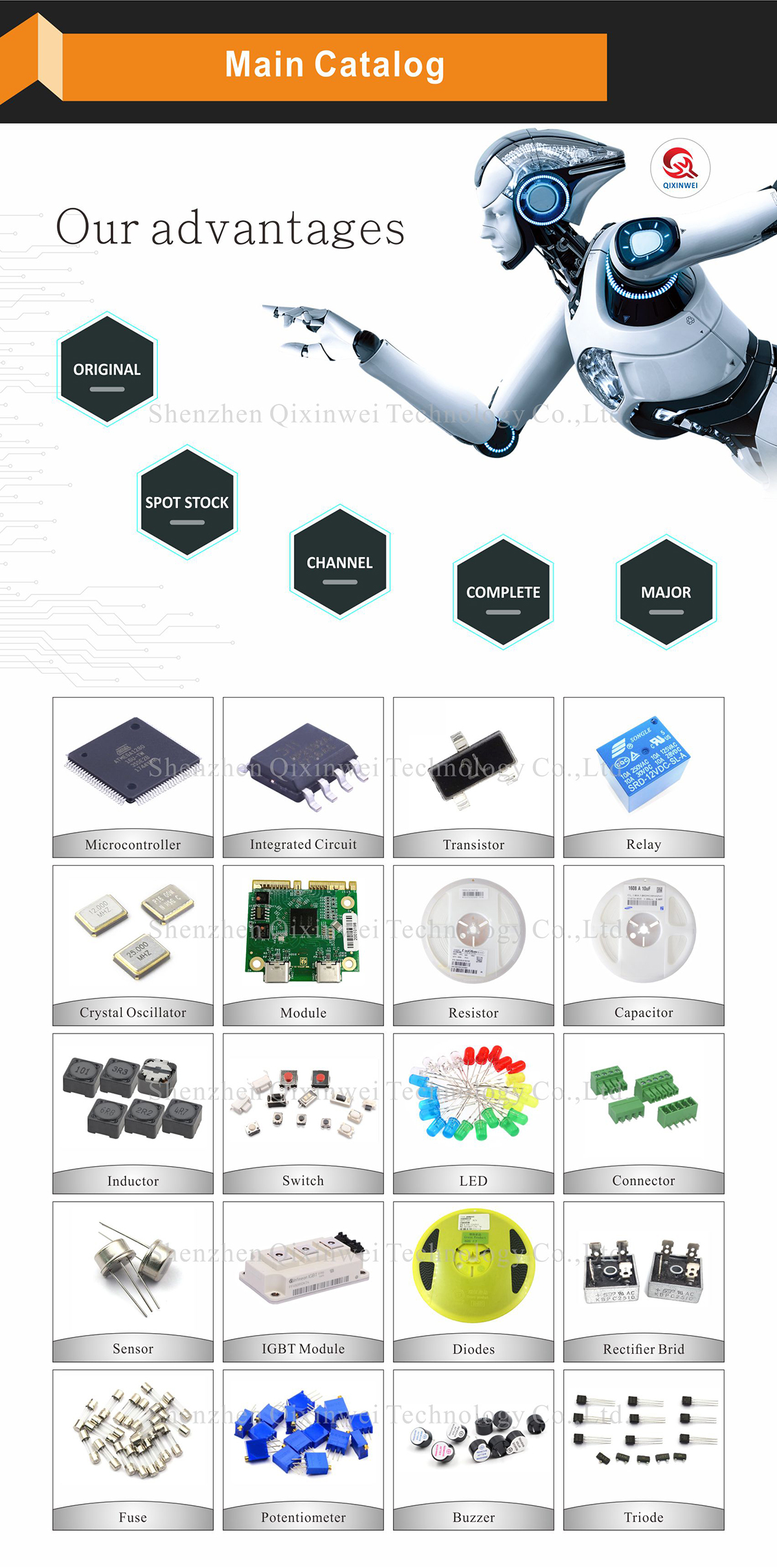
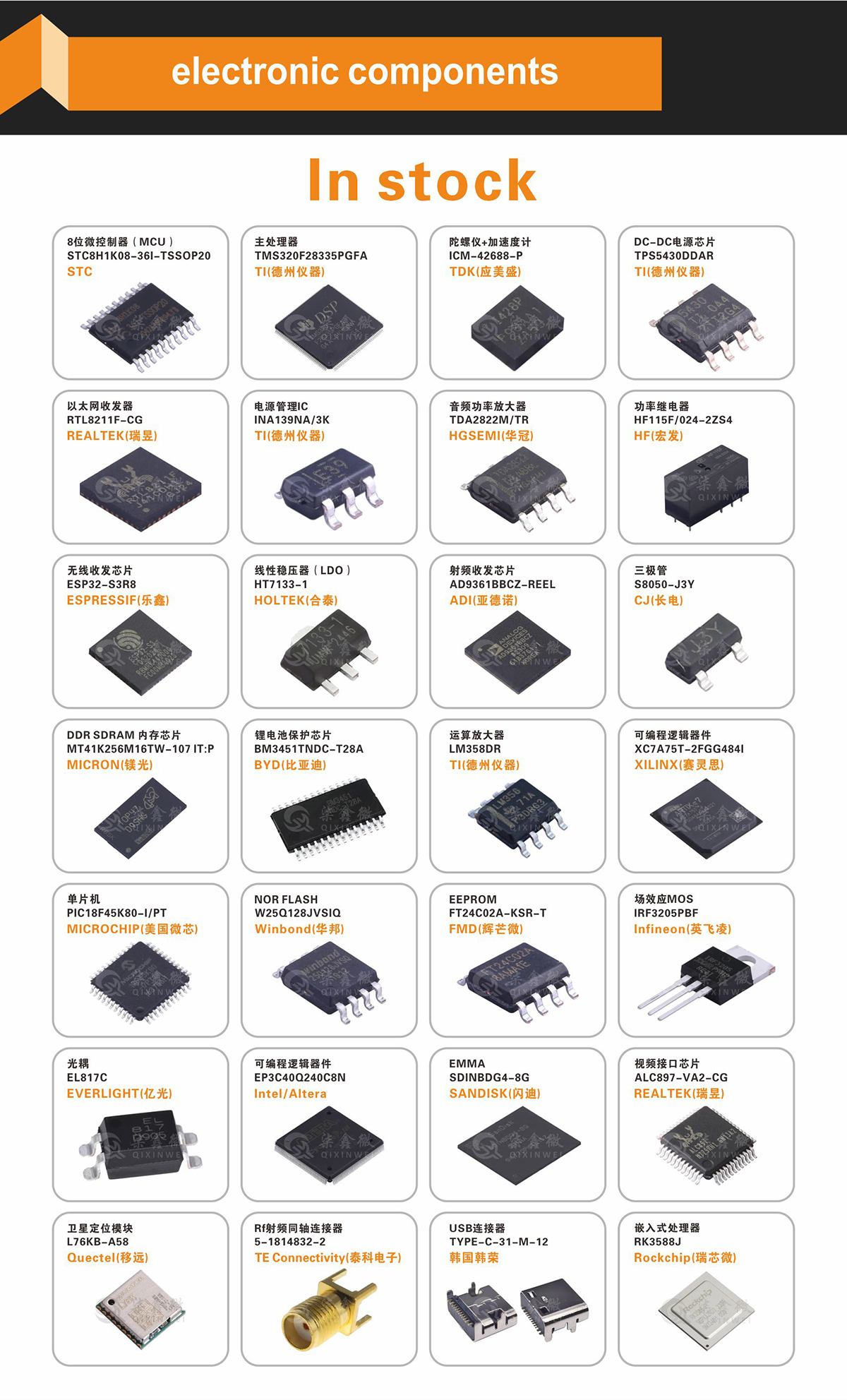
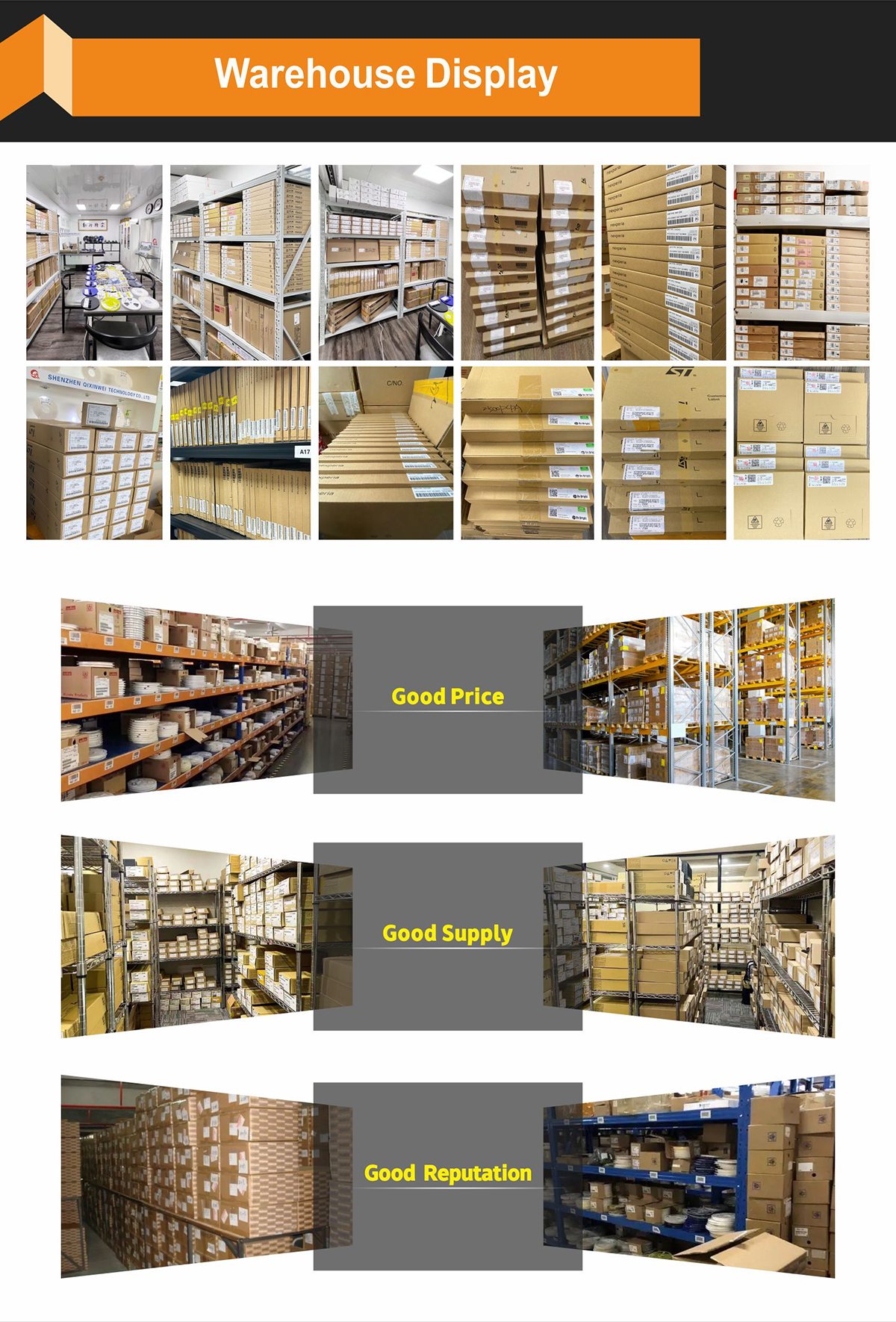
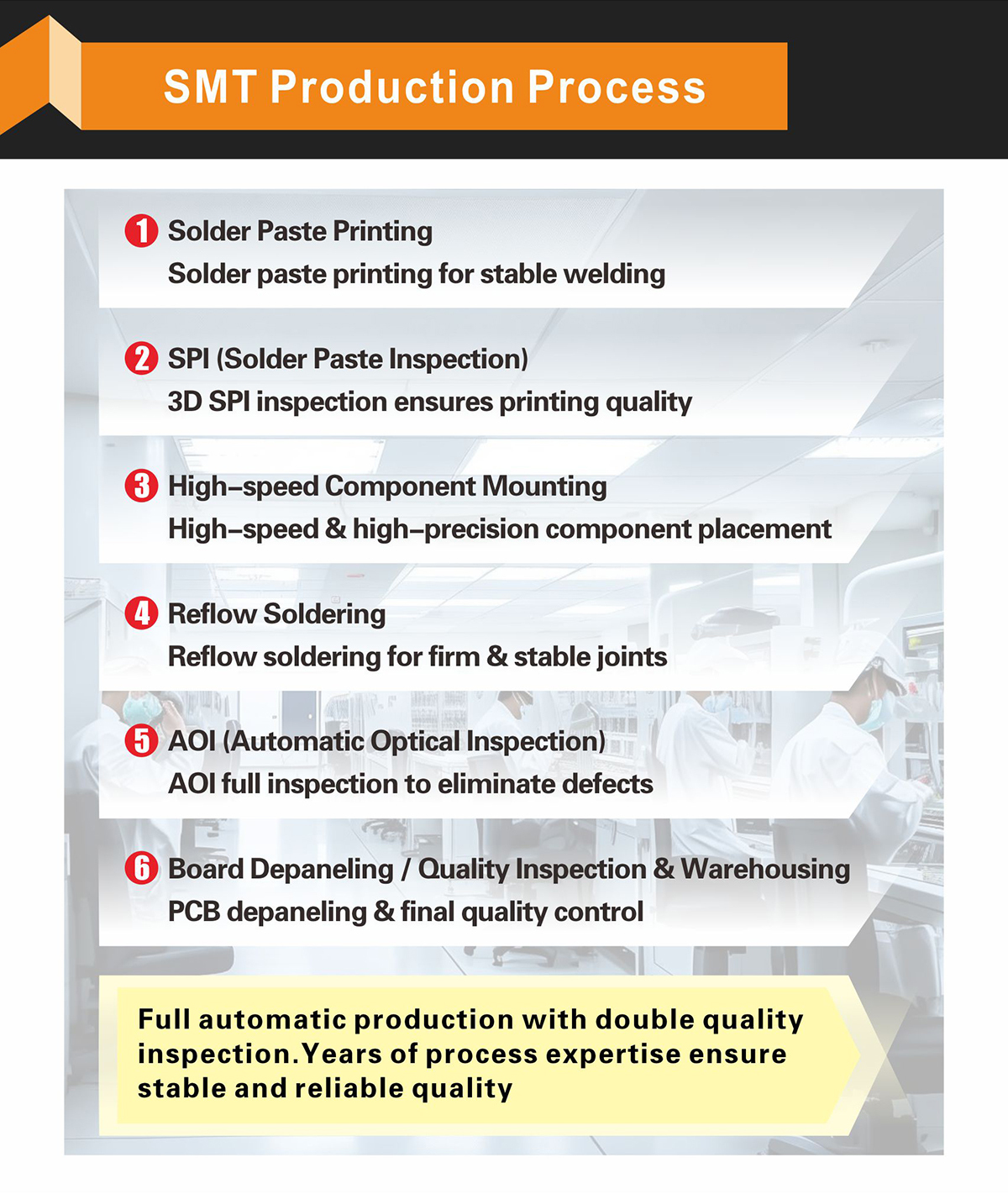
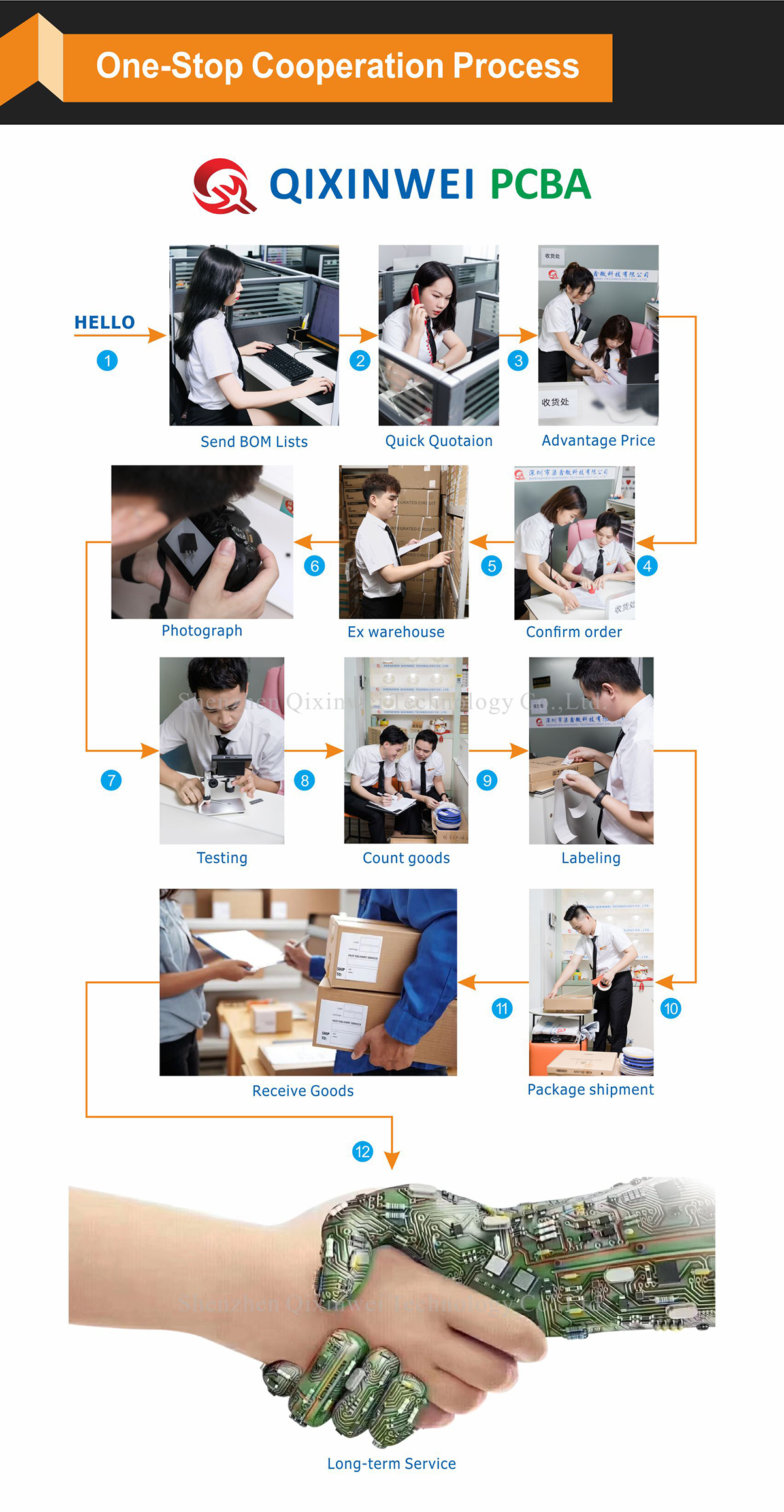
Years of experience in the electronics industry. Trusted by global customers. Massive In-Stock Inventory – Ready to ship promptly. BOM Matching Service – One‑stop solution, save time. PCBA Customization – Professional engineering team creates tailor‑made solutions based on your needs. Cost‑Effective & Efficient – Better channel, better cost. A dedicated team makes your procurement smoother. Contact us for BOM quotes or PCBA inquiries.




FAQ:
What is the Siemens BOP‑2 (6SL3255‑0AA00‑4CA1) and what is it used for?
The BOP‑2 (Basic Operator Panel 2) is a plug‑on keypad and display for commissioning, monitoring, and controlling SINAMICS G120, G120C, and G120X variable‑speed drives. It features a two‑line backlit LCD, navigation buttons, and a jog wheel. You can use it to set parameters, start and stop the motor, adjust the speed, read fault codes, and clone parameter sets between drives without a PC or software tool.Which SINAMICS drive families are compatible with the BOP‑2?
The BOP‑2 is designed for the modular SINAMICS G120 series (Control Units CU230P‑2, CU240B‑2, CU240E‑2, CU250S‑2), the compact G120C, and the G120X for pump/fan applications. It snaps directly onto the front of the Control Unit or the G120C/G120X housing. It is not compatible with the older G110, G130, or S120 drive families.Can I plug in the BOP‑2 while the drive is powered? Is it hot‑swappable?
Yes, the BOP‑2 is hot‑swappable. You can connect or disconnect it while the drive is running without interrupting operation. The drive continues with its last command, and the panel initialises within a few seconds. This is useful for temporarily attaching the panel to commission multiple drives or to clone parameters on the shop floor.What information can I see on the two‑line LCD display during normal operation?
The display can show up to two user‑selectable values simultaneously—for example, output frequency (Hz), motor speed (rpm), output current (A), DC‑link voltage (V), or drive status. In fault conditions, the top line shows the fault code and the bottom line displays the corresponding plain‑text description. The backlight ensures readability in dark control cabinets.Can I use the BOP‑2 to copy parameters from one drive to another? How does parameter cloning work?
Yes. The BOP‑2 contains internal non‑volatile memory that can store a complete parameter set. You upload the parameters from the first drive into the BOP‑2, then plug the panel into a second drive and download the set. This cloning function works without a PC or memory card and is ideal for duplicating settings across multiple identical drives in a machine.How does the BOP‑2 differ from the original BOP and the Intelligent Operator Panel (IOP)?
The original BOP (without the “‑2”) has a single‑line display and basic buttons; it lacks parameter cloning and the jog wheel. The IOP (Intelligent Operator Panel) offers a colour graphical screen, application wizards, and full‑text diagnostics, but it is larger and more expensive. The BOP‑2 sits in the middle: it provides a two‑line display, a jog wheel for quick navigation, and the cloning function, making it the practical everyday tool for most commissioning and service tasks.Does the BOP‑2 support multiple languages? Can I see fault messages in Chinese or English?
Yes. The BOP‑2 supports several languages, including English, Chinese, German, French, Italian, and Spanish. You select the language during initial commissioning or via a parameter. After selection, all menus and the plain‑text fault descriptions appear in the chosen language, which significantly speeds up troubleshooting for local maintenance teams.How is the BOP‑2 powered, and what is its protection rating?
The BOP‑2 draws its power directly from the Control Unit’s internal supply—no external power adapter is needed. When mounted on the drive, the panel front achieves IP54 / IP55 protection (depending on the enclosure), allowing the drive cabinet door to be operated while the panel remains accessible. The panel itself is not designed for outdoor use without an additional enclosure.Can I start and stop the motor and change the setpoint directly from the BOP‑2?
Yes, once you set the command source to the BOP (usually P0010 = 1, then set P0700 and P1000 accordingly), you can use the green “Start” and red “Stop” keys to control the motor. The jog wheel or the arrow keys let you adjust the frequency setpoint in real time. This local control mode is extremely useful during initial machine testing, belt alignment, or manual operation.How do I read and clear fault codes using the BOP‑2?
When a fault occurs, the display automatically shows the fault code (e.g., F07900) and a short text. Use the “F1” or “INFO” key to see additional diagnostic information. After the cause is resolved, you can clear the fault by pressing the “ACK” (Acknowledge) key or by cycling the power. The BOP‑2 also stores a fault history accessible through the diagnostic menu, helping you trace intermittent issues.
- Model:
- 6SL3255-0AA00-4CA1
- Compatibility:
- G120, G120C, G120X, G120P, G110M
- Display Type:
- Monochrome LCD, 2 lines, 16 characters per line
- Interface:
- RS232
- Protection Rating:
- IP55
- Operating Temperature:
- 0℃ ~ 50℃
- Relative Humidity:
- Max. 95%, non‑condensing
- Main Functions:
- Parameter setting and modification, batch commissioning, real‑time operation monitoring, fault diagnosis and alarm handling, manual/automatic mode switching and local manual operation
- Applications:
- Industrial automation, HVAC, pump and fan control, conveyor systems, compressor control, etc