qixinwei-pcba


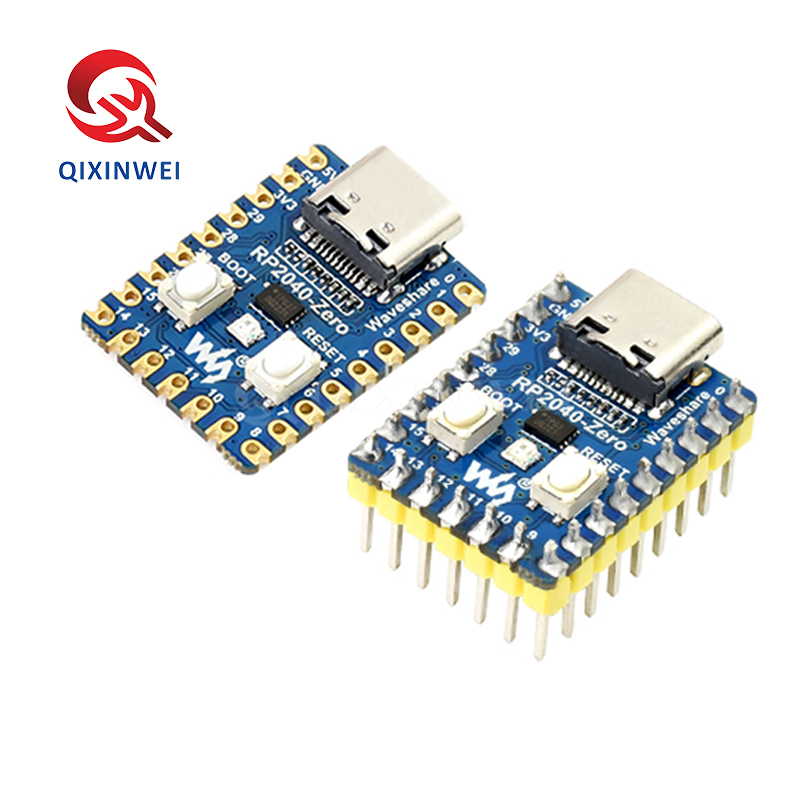
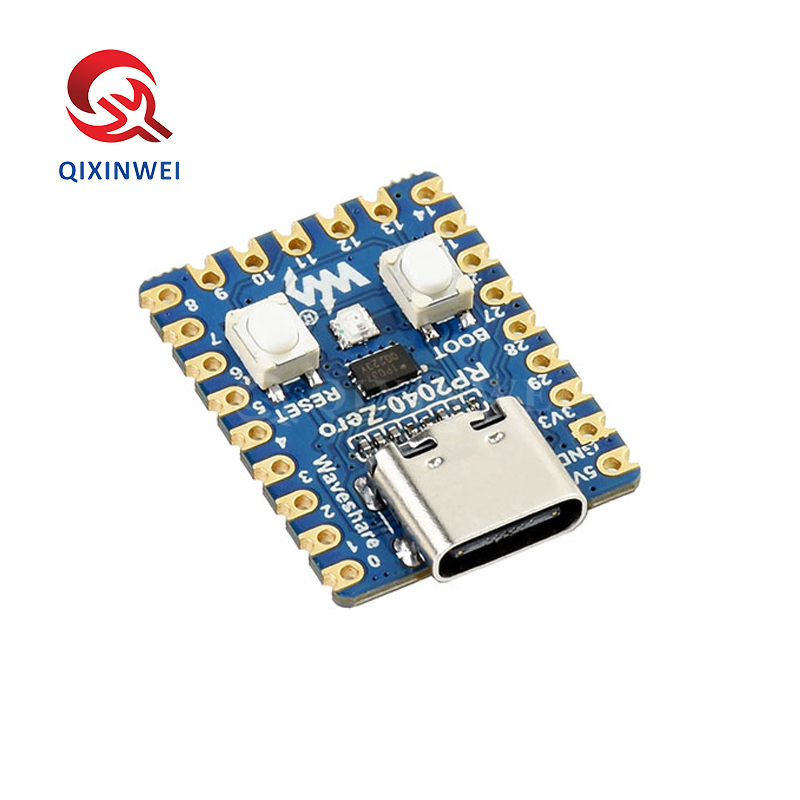
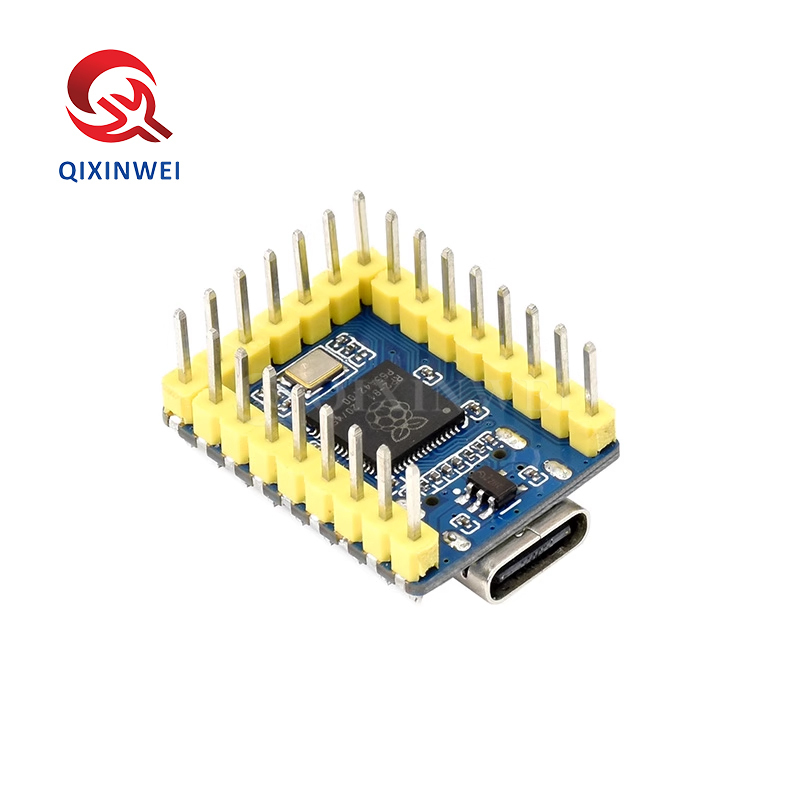
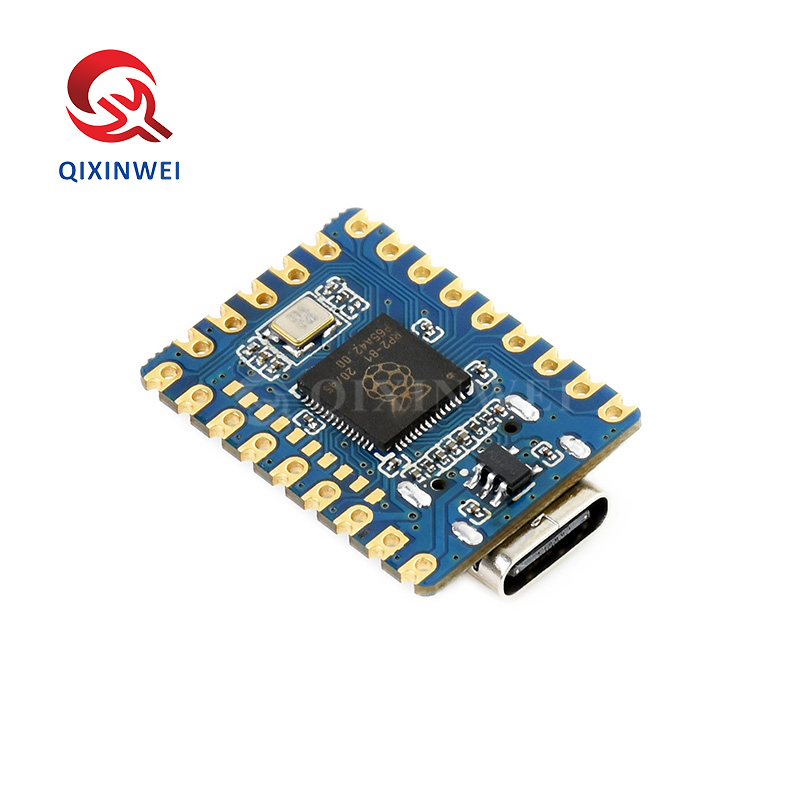
RP2040-Zero Mini Development Board Dual Core PICO MCU Raspberry Pi
RP2040-Zero Mini Development Board Application Features
Core Processor
◆ Main Chip
RP2040 (Raspberry Pi designed)
◆ Processor
Dual-core ARM Cortex-M0+
Memory
Interfaces & Pins
◆ GPIO Pins
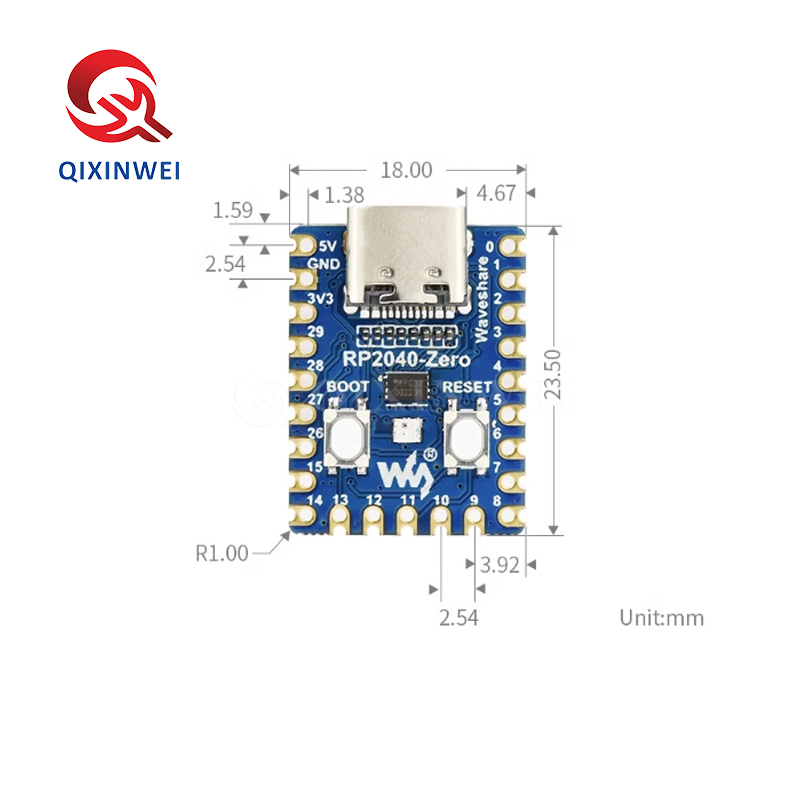
29 multi-function pins (20 via edge pins)
◆ Communication
◆ PWM Channels
16 controllable channels
◆ PIO
8 programmable I/O state machines
Onboard Features
◆ USB Port
USB-C (USB 1.1 host & device)
◆ Sensor
Onboard temperature sensor
◆ Clock
Precise on-chip clock and timer
◆ Floating Point
Accelerated floating-point libraries
Physical Specifications
◆ Design
Castellated pads for direct soldering
◆ Power
Low-power sleep and dormant modes
Programming
◆ Download Method
Drag-and-drop via USB mass storage
◆ Development Environments
Applications
◆ Target Uses
Compact embedded projects
Wearable devices
IoT nodes
Education & learning
Maker DIY projects
Key Advantages
◆ Ultra-Compact
23.5×18mm, smaller than PICO
◆ Dual-Core Performance
133MHz dual-core Cortex-M0+
◆ Castellated Design
Direct soldering for production integration
◆ USB-C Port
Reversible, modern connector
◆ Drag-and-Drop Programming
No driver needed
◆ Rich Peripherals
PIO, ADC, PWM, and more
Why Choose QIXINWEI
Years of experience in the electronics industry. Trusted by global customers.
Massive In-Stock Inventory – Ready to ship promptly
BOM Matching Service – One-stop solution, save time
PCBA Customization – Professional engineering team creates tailor-made solutions based on your needs
Cost-Effective & Efficient – Better channel, better cost
A dedicated team makes your procurement smoother.
Contact us for BOM quotes or PCBA inquiries


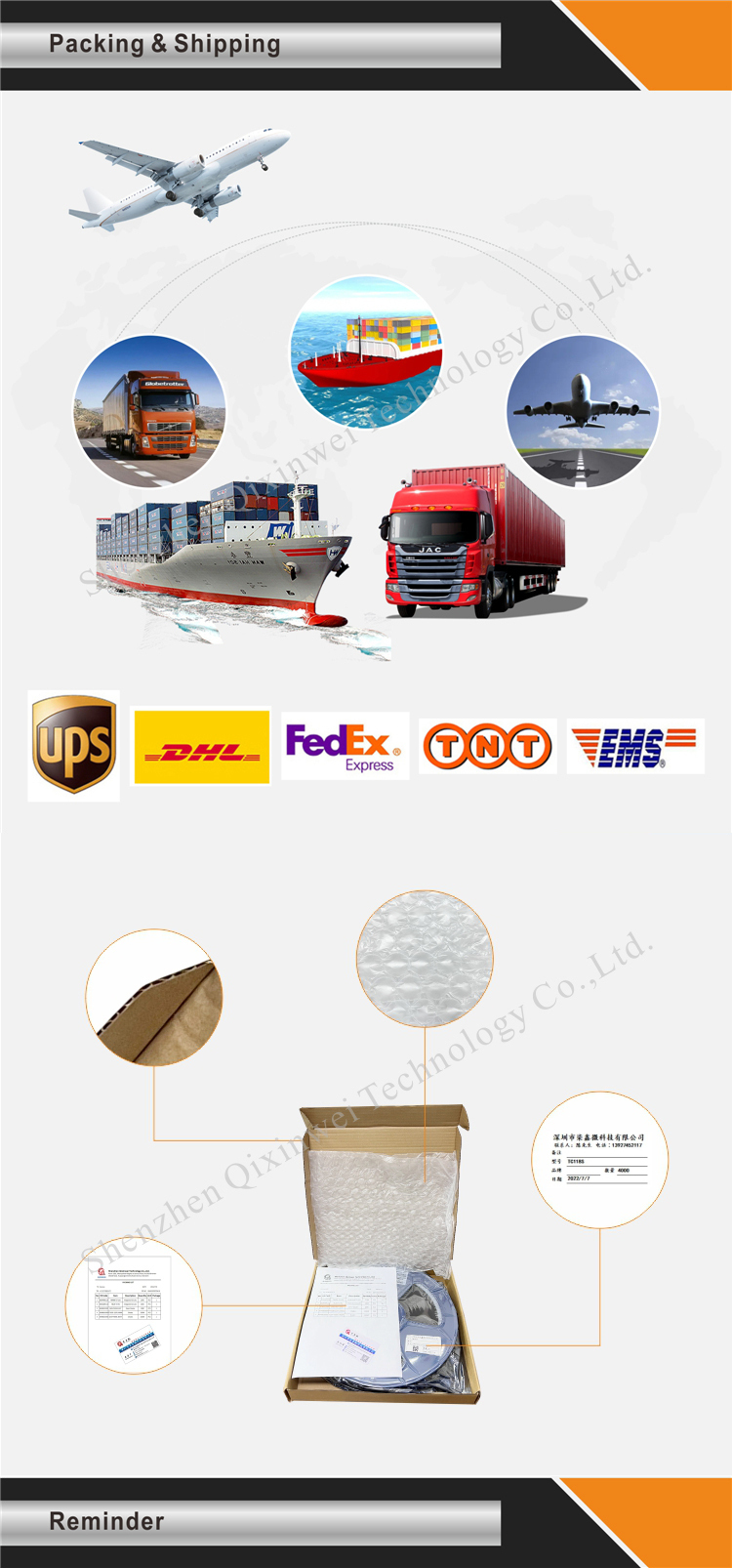
Quantity(Pieces) | 1 ~ 30000 | 30001 ~ 300000 | > 300000 |
Est. Time(days) | 5 | 7 | To be negotiated |
FAQ:
What is the RP2040-Zero mini development board and its key specifications?
The RP2040‑Zero is an ultra‑compact microcontroller board built around the Raspberry Pi RP2040 chip. It features a dual‑core ARM Cortex‑M0+ processor running at up to 133 MHz, 264 KB of SRAM, and 2 MB, 4 MB, or 8 MB of on‑board QSPI Flash. The board provides a USB‑C port for power, programming, and data (USB 1.1 host/device), and breaks out up to 29 multi‑function GPIO pins (the exact number depends on the specific board revision; many “Zero” variants offer around 20 edge‑castellated pins). It supports UART, SPI, I2C, PWM, ADC, and the unique PIO (Programmable I/O) subsystem. With its tiny form factor (approx. 20 mm × 20 mm), it is ideal for space‑constrained embedded projects, wearables, and USB gadgets.How does the RP2040-Zero differ from the standard Raspberry Pi Pico?
Both are based on the same RP2040 microcontroller, but the RP2040‑Zero is much smaller — roughly half the size of the Pico. It replaces the Pico’s micro‑USB connector with a modern, reversible USB‑C port. While the Pico typically ships with 2 MB of Flash, the Zero is available with 2 MB, 4 MB, or even 8 MB of Flash for larger programs. The Zero also consumes slightly less power due to the absence of an on‑board buck‑boost converter (it uses a linear regulator). The pinout is mostly a subset of the Pico’s, with the most essential GPIOs exposed. Choose the Zero when you need the smallest possible footprint, USB‑C convenience, and more Flash; the Pico remains a great choice for prototyping with its full 40‑pin GPIO access.How do I program the RP2040-Zero? What languages and IDEs are supported?
The board can be programmed in C/C++, MicroPython, CircuitPython, or Arduino. To upload firmware, hold the BOOT button while connecting the USB‑C cable to your computer; the board will appear as a USB mass storage device. Then drag and drop a .uf2 firmware file. For MicroPython, use the official RP2040 firmware and an editor like Thonny. For Arduino, install the Raspberry Pi Pico/RP2040 board package (by Earle F. Philhower) from the Arduino Boards Manager. For C/C++, use the Raspberry Pi Pico SDK and VS Code. All standard RP2040 libraries (including PIO) are fully supported.What is the pinout of the RP2040-Zero, and how many GPIOs are available?
The board typically breaks out 20 to 23 edge pins, which include up to 17 digital I/O pins (GP0–GP16, plus GP25 for on‑board LED), 3 to 4 analog inputs (ADC0–ADC3), and dedicated power pins (3.3 V, GND, VBUS, VSYS). The following interfaces are available on the same pins: 2× UART, 2× SPI, 2× I2C, up to 16 PWM channels, and the 8‑state PIO. All GPIOs operate at 3.3 V and are not 5 V tolerant. The board also features a reset button and a boot button. Because the pin count is limited, planning your peripheral assignments with the datasheet is essential.What power supply does the RP2040-Zero need, and how low is its power consumption?
The board can be powered via the USB‑C port (5 V) or by applying a voltage to the VSYS pin (1.8 V – 5.5 V). The on‑board 3.3 V regulator supplies the RP2040 and can source up to ~300 mA for external components. In active mode at 133 MHz, the chip draws around 20 mA – 30 mA (depending on peripherals). It supports several low‑power sleep modes, with dormant and deep‑sleep currents as low as ~1 µA. This makes the Zero well‑suited for battery‑powered applications, especially when combined with the PIO for power‑efficient sensor sampling.Can the RP2040-Zero be used with the Arduino IDE?
Yes. Install the “Raspberry Pi Pico/RP2040” board package by Earle F. Philhower from the Arduino Boards Manager. After installation, select “Waveshare RP2040 Zero” or “Generic RP2040” as the board (depending on the exact board variant). All standard Arduino functions — digitalWrite, analogRead, Serial, SPI, Wire — work as expected. The PIO subsystem can also be programmed from within Arduino sketches using dedicated libraries. The board appears as a serial port for debugging and upload, and the same drag‑and‑drop UF2 method also works.How much Flash memory does the RP2040-Zero have, and can it be upgraded?
The board is available with 2 MB, 4 MB, or 8 MB of on‑board QSPI Flash. The RP2040 chip itself supports external Flash sizes up to 16 MB. If you have the required SMD soldering skills, you can replace the on‑board Flash chip with a larger one (e.g., a 16 MB W25Q128JV). After replacement, you may need to update the board definition in your IDE to reflect the new Flash size. The extra space is particularly useful for MicroPython file systems, data logging, and large Arduino programs.Does the RP2040-Zero have built‑in Wi‑Fi or Bluetooth?
No. The RP2040‑Zero does not include any wireless connectivity. It is a pure microcontroller board. To add Wi‑Fi or Bluetooth, you can connect an external module (such as an ESP8285, ESP32‑C3, or a dedicated Wi‑Fi/BLE click board) via SPI, UART, or I2C. For a compact RP2040‑based board with built‑in Wi‑Fi, consider the Raspberry Pi Pico W, which is slightly larger but integrates an Infineon CYW43439 wireless chip on the same PCB.How does the RP2040-Zero compare to an ESP32-C3 or ATmega328P board?
Compared to the ESP32‑C3 (which has built‑in Wi‑Fi/BLE and a RISC‑V core), the RP2040‑Zero offers a dual‑core ARM Cortex‑M0+ with more deterministic real‑time behaviour, the unique PIO for custom high‑speed I/O, and a larger ecosystem of bare‑metal SDK options. Against an ATmega328P (Arduino Nano), the RP2040 is far more powerful — 133 MHz dual‑core vs 16 MHz single‑core, 264 KB SRAM vs 2 KB, and native USB. The RP2040‑Zero is ideal when you need a high‑performance, low‑cost MCU in the smallest possible size, but do not require wireless or 5 V compatibility.What are the most typical applications for the RP2040-Zero?
Its tiny footprint, USB‑C, and powerful PIO make it a favourite for USB gadgets (keyboards, mice, game controllers), wearable electronics, miniature robotics, sensor data loggers, intelligent LED controllers (NeoPixel/APA102), and embedded audio or signal processing. It is also a popular choice for DIY development boards where the full‑sized Pico would be too large. The combination of abundant Flash, dual‑core processing, and the versatile PIO allows it to tackle tasks that would be impossible for many other micro‑controllers in this size class.
- 原产地:
- Original
- 品牌:
- Original
- 制造商零件编号:
- Raspberry Pi RP2040-Zero
- 安装方式:
- 通孔
- 描述:
- 开发板