qixinwei-pcba


Nano V3.0 CH340 Improved Board ATmega328P Type-C/MINI/MICRO Interface with Cable Optional
Nano V3.0 CH340 Improved Board Product Overview
The Nano V3.0 CH340 is an ultra-compact Arduino-compatible development board based on the ATmega328P-AU microcontroller. It replaces the USB chip with CH340G for faster download speeds and improved stability on Windows 7/8/10/11 while maintaining the same performance as the original Nano. The board provides 12 digital I/O (6 PWM), 8 analog inputs, TTL serial, and supports USB or external 3.3V-12V DC power. Available in MINI, MICRO, and TYPE-C USB connector versions, with or without USB cable. Its small size makes it ideal for interactive media, electronic bricks, and embedded projects.
Nano V3.0 CH340 Improved Board Core Features
ATmega328P-AU Main Chip: Original Atmel MCU, identical to official Nano for guaranteed compatibility and reliability
CH340G USB Chip: Improved download speed and enhanced Windows 7/8/10/11 driver stability, automatic online driver installation
Three USB Interface Options: TYPE-C, MICRO, MINI versions available, cable optional
Rich I/O Ports: 12 digital I/O (D2-D13), 8 analog inputs (A0-A7), 1 UART (RX/TX)
6 PWM Channels: D3, D5, D6, D9, D10, D11 support hardware PWM for motor speed control, LED dimming
Multiple Power Options: USB power, external DC 3.3V-12V (via DC jack or VIN), works with 9V battery, Li-ion battery
ISP Support: ICSP header for external programmer bootloader or firmware update
Ultra-Compact Size: Only 43×18mm, much smaller than UNO, fits into tight enclosures
Plug-and-Play Driver: Windows automatically installs driver when online, no manual download needed
Nano V3.0 CH340 Improved Board Applications
Arduino learning and teaching, electronic bricks and interactive media, portable embedded projects, robot controllers, sensor data acquisition, DIY electronics, smart home nodes
Nano V3.0 CH340 Improved Board Key Advantages
Official Performance with Great Compatibility: Same main chip as official Nano, select "Nano" board in Arduino IDE with no code changes
Improved CH340 Version: More stable on Windows 10/11 than FT232, faster download, no driver headaches
Three USB Connector Options: Choose Type-C, Micro USB, or Mini USB based on your cable stock or project needs; optional cable available
Extra Analog Inputs: 8 analog pins (A0-A7) – two more than UNO, perfect for multi-sensor projects
Ultra-Compact Design: 43×18mm fits easily into 3D-printed cases or portable devices
Plug-and-Play Experience: Auto driver installation, select Nano board and COM port, upload sketch – ready in one minute
Wide Power Supply Range: Accepts 3.3V-12V external power, works with 9V batteries or 3.7V Li-ion for portable use
Why Choose QIXINWEI
Years of experience in the electronics industry. Trusted by global customers.
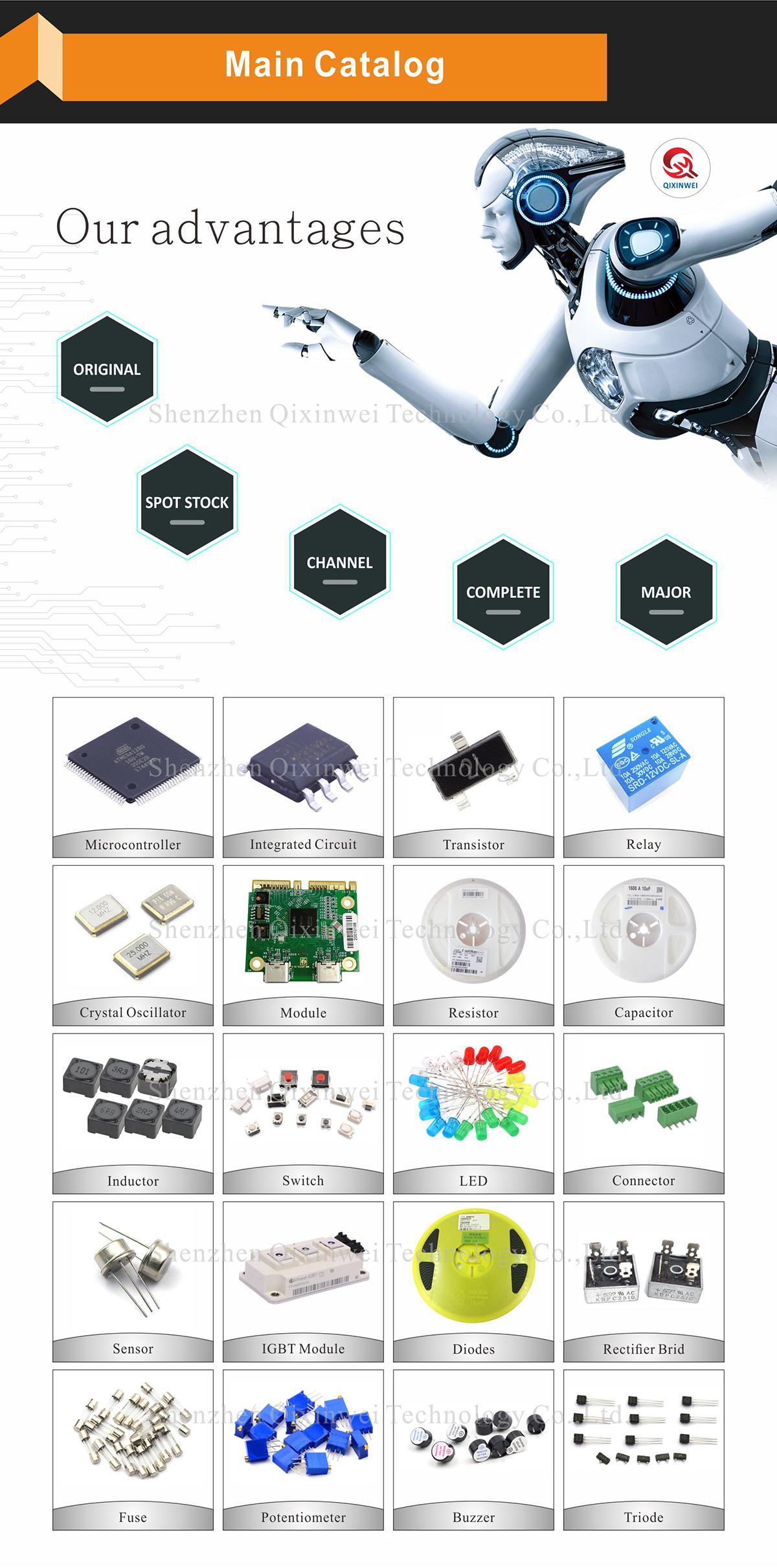
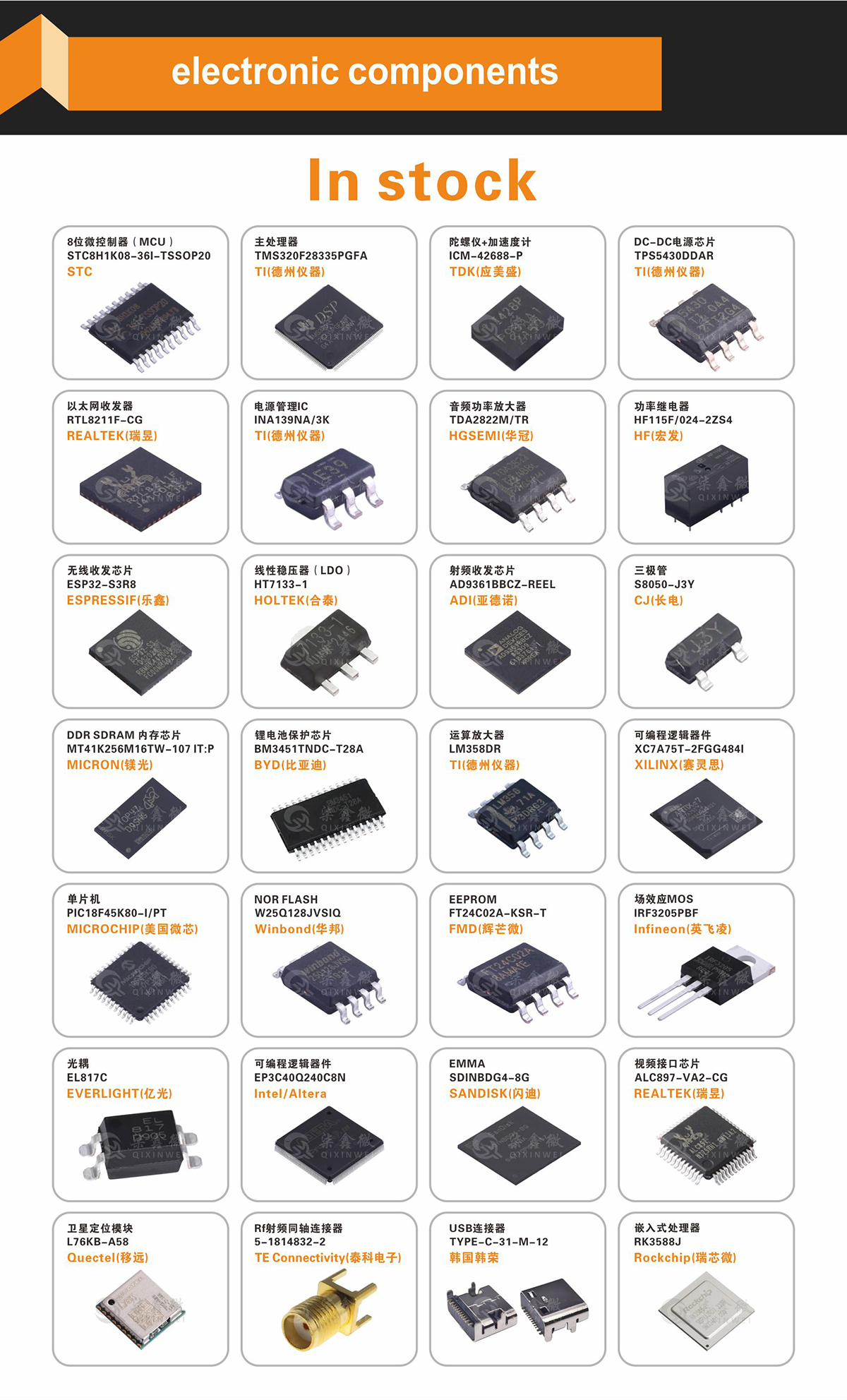
Massive In-Stock Inventory – Ready to ship promptly
BOM Matching Service – One-stop solution, save time
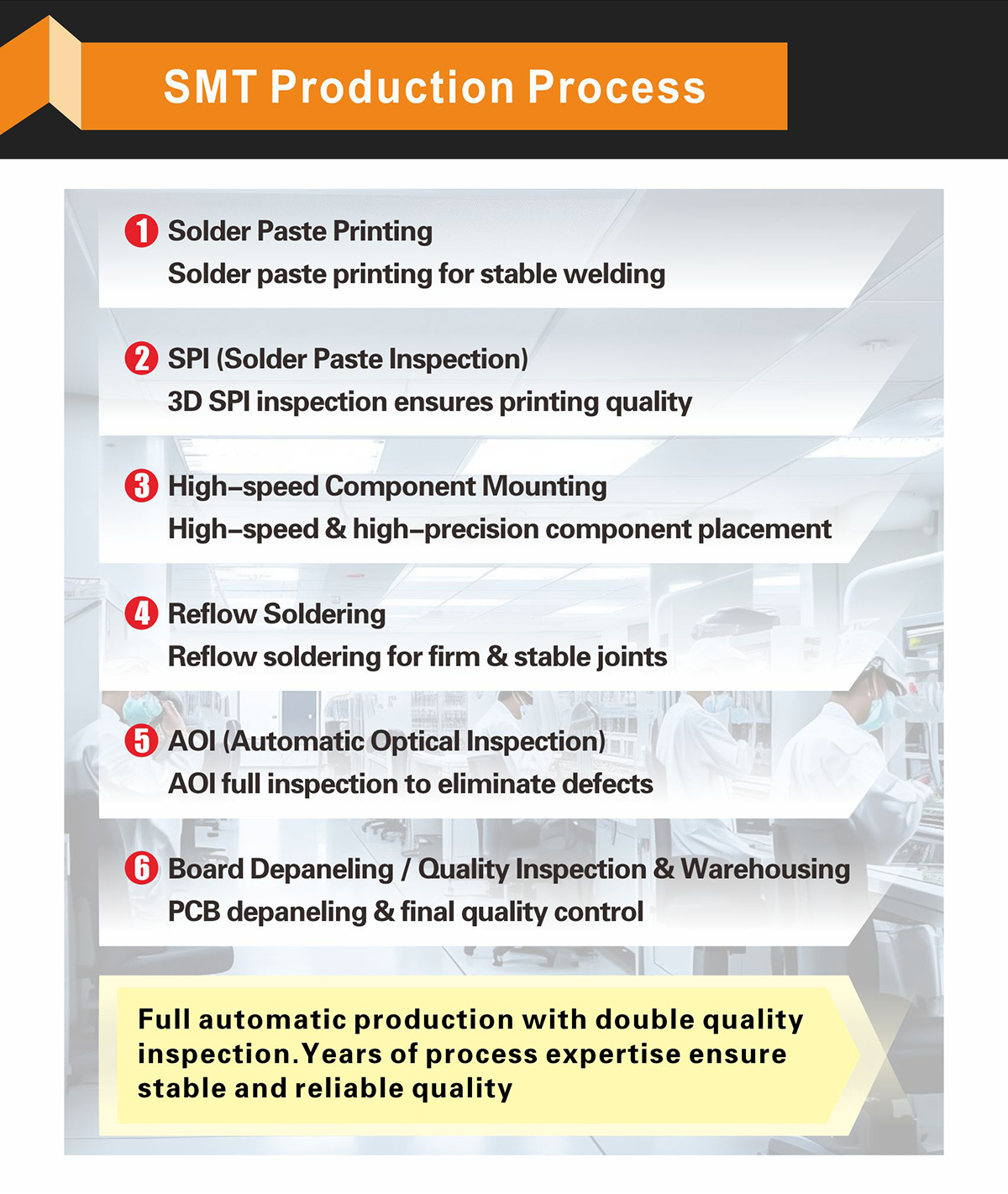
PCBA Customization – Professional engineering team creates tailor-made solutions based on your needs
Cost-Effective & Efficient – Better channel, better cost
A dedicated team makes your procurement smoother.
Contact us for BOM quotes or PCBA inquiries







FAQ:
What is the Nano V3.0 CH340 improved board and its key specifications?
This is a compact, breadboard‑friendly development board compatible with the Arduino Nano form factor, built around the ATmega328P microcontroller running at 16 MHz. It provides 32 KB of Flash (with 2 KB used by the bootloader), 2 KB of SRAM, and 1 KB of EEPROM. It offers 14 digital I/O pins (6 of which support PWM), 8 analog input pins, and standard interfaces: UART, SPI, I2C. The board uses a CH340G/CH340C USB‑to‑serial chip instead of the more expensive FTDI, and is available with Type‑C, Mini USB, or Micro USB connectors. It can be powered via the USB port or an external 6–20 V input on the VIN pin (recommended 7–12 V).How does the Nano V3.0 CH340 differ from the official Arduino Nano?
The main difference is the USB‑to‑serial chip. The official Arduino Nano uses an FTDI FT232RL or an ATmega16U2, while this improved board uses a CH340G/CH340C. Functionally, both behave identically once the correct driver is installed. The CH340 version is significantly more cost‑effective. Additionally, the “improved” boards often feature Type‑C connectors (which are more durable and reversible), a better 3.3 V regulator that can supply more current, and a more robust reset circuit. They are fully compatible with the Arduino IDE and existing libraries.How do I install the CH340 driver on Windows, macOS, or Linux?
Windows and macOS usually require a driver installation; Linux has the driver built in. Windows: Download the CH340 driver from the manufacturer's website or a trusted source, unzip it, run the installer (CH341SER.EXE), and reboot. The board will then appear as a COM port in Device Manager. macOS: Download the appropriate CH340/CH341 driver, install it, and allow the kernel extension in Security & Privacy. Linux: Most distributions include the driver; if not, it can be installed via your package manager (e.g.,sudo apt install ch340). After driver installation, select the correct board and port in the Arduino IDE.What are the pinout differences between the Nano V3.0 and an Arduino Uno?
The Nano packs the same ATmega328P into a much smaller footprint. The pin functions are nearly identical, but the physical layout differs. Key points: 14 digital pins (D0–D13), 8 analog inputs (A0–A7, with A4/A5 also serving as I2C SDA/SCL), and dedicated SPI (D10–D13) and UART (D0/D1) pins. The Nano also exposes RESET, 3.3 V, 5 V, GND, VIN, and AREF pins. Unlike the Uno, the Nano does not have a separate DC barrel jack; power is supplied through the VIN pin or USB. The pin spacing matches standard breadboards, making it ideal for prototyping.How do I power the Nano V3.0? Can I use a battery?
The board can be powered in several ways: 1) via the USB port (5 V), which is the simplest method. 2) by applying an unregulated 6–20 V supply to the VIN pin (recommended 7–12 V). 3) by providing a regulated 5 V directly to the 5V pin (do not connect USB simultaneously). A 9 V battery connected to VIN works well for portable projects. The on‑board 3.3 V regulator can supply up to 150 mA for external sensors. The board draws about 19 mA in normal operation.What is the difference between the Type‑C, Mini USB, and Micro USB versions?
The only difference is the USB connector. Electrically and functionally they are identical. Type‑C is the most modern and robust, offering a reversible plug and higher durability — many users prefer it to eliminate the risk of damaging the connector. Micro USB is the classic choice, widely used and easy to find cables for. Mini USB is an older standard, less common today. Choose whichever connector best matches the cables you already have.How do I program the Nano V3.0 with the Arduino IDE?
Install the Arduino IDE, connect the board via USB, and install the CH340 driver (if needed). In the IDE, go to Tools → Board → Arduino Nano. Then under Tools → Processor, choose ATmega328P (or ATmega328P (Old Bootloader) if you encounter upload errors with newer boards). Select the correct COM port and click Upload. The on‑board LED will flash during the upload. That's all — the board works exactly like an official Nano, and all standard Arduino libraries are supported.Why is my Nano V3.0 CH340 not being recognized by my computer?
Common causes: 1) Missing CH340 driver — install the driver as described above. 2) Bad USB cable — some cables are power‑only; try a data‑capable cable. 3) Wrong board/processor selected — ensure “Arduino Nano” and “ATmega328P” are selected in the IDE. 4) Bootloader issue — if the board was previously bricked, you may need to burn a new bootloader with an ISP programmer. 5) Power short — disconnect all external hardware and test the bare board. Also try a different USB port and restart the IDE.How much memory does the ATmega328P have, and what can I fit?
It has 32 KB of Flash (with ~30 KB usable after the bootloader), 2 KB of SRAM, and 1 KB of EEPROM. This is enough for moderately complex sketches: you can run multiple libraries (e.g., a small display, a few sensors, simple communication) but will need to watch SRAM usage if you use large arrays or strings. For projects that outgrow this memory, consider the MEGA2560 or an ESP32.Can the Nano V3.0 CH340 be used as an ISP programmer or emulate other USB devices?
Yes. With the ArduinoISP sketch, the Nano can act as an In‑System Programmer to burn bootloaders onto other AVR chips. Additionally, the CH340 chip is a simple USB‑to‑UART bridge, so it cannot emulate HID (keyboard/mouse) devices natively. However, the ATmega328P itself can implement software‑based USB using libraries like V‑USB, but this is a more advanced topic and requires additional components. For native USB HID support, a board based on the ATmega32U4 (e.g., Arduino Leonardo) is a better fit.What are the most typical applications of the Nano V3.0 CH340?
Thanks to its tiny size and breadboard‑friendly footprint, it is a staple in wearable electronics, compact sensor nodes, small robotics, DIY smart home gadgets, LED controllers, and portable data loggers. It is particularly popular when you need the full Arduino Nano experience at a very low cost, and the CH340 driver installation is a one‑time setup. The availability of Type‑C versions makes it even more convenient for modern builds.
- Model:
- Nano V3.0 CH340
- Main MCU:
- ATmega328P-AU
- USB Chip:
- CH340G
- USB Connector:
- TYPE-C / MICRO USB / MINI USB (selectable)
- Cable Included:
- Optional (with / without cable)
- Digital I/O:
- 12 (D2-D13)
- Analog Inputs:
- 8 (A0-A7, 10-bit ADC)
- PWM Channels:
- 6 (D3, D5, D6, D9, D10, D11)
- Supply Voltage:
- USB 5V or external 3.3V-12V (VIN/DC jack)
- Flash / SRAM / EEPROM:
- 32KB / 2KB / 1KB